Open Lens
When starting with Kubernetes, users typically begin with command-line kubectl access. As experience grows, a UI-based Kubernetes dashboard becomes extremely helpful. For managing multiple Kubernetes clusters, Open Lens is recommended—it's an open-source iteration derived from K8sLens (K8slens.dev). Depending on requirements, the paid K8sLens version offers additional features like streamlined log viewing. The free Open Lens version provides excellent cluster management capabilities at no cost.
Configuration Files
Kubeconfig files exported from k3s servers should be stored in the ~/.kube folder. These files require modification before being used with OpenLens. OpenLens requires a specific configuration format, so update the context section in your kubeconfig files.
Change the line:
context: []
To
contexts:
- context:
    cluster: default
    user: default
  name: default
Save the file and open OpenLens.
Cluster Configuration
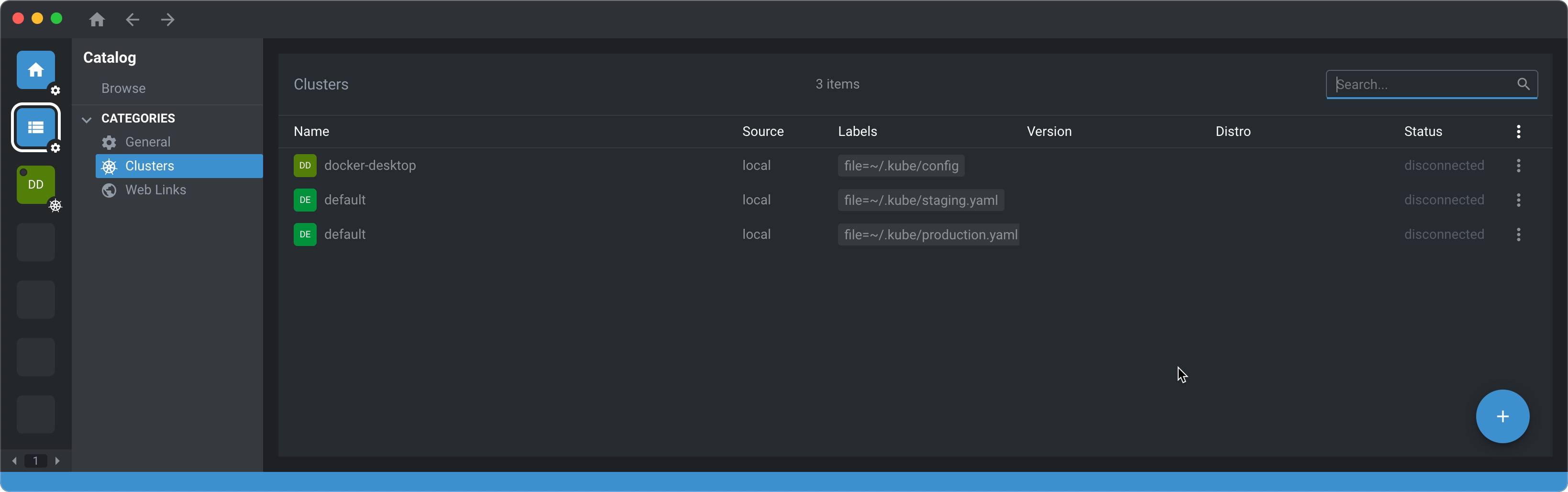
In Clusters, you should now see your clusters.
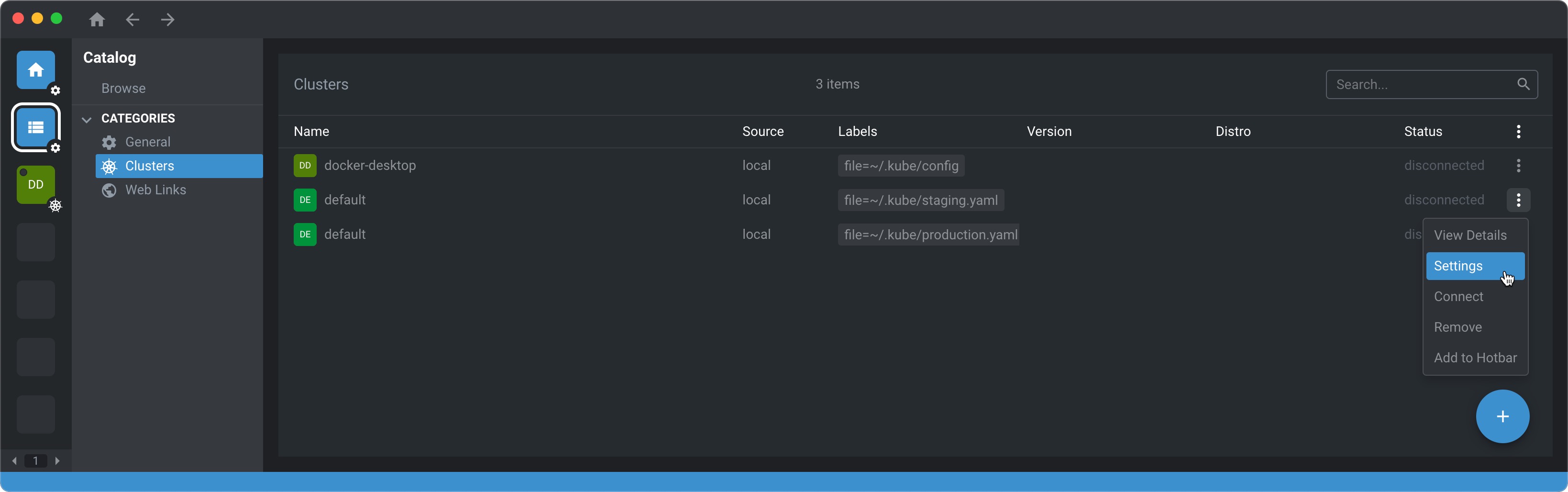
Select the right vertical three dots and go to Settings.
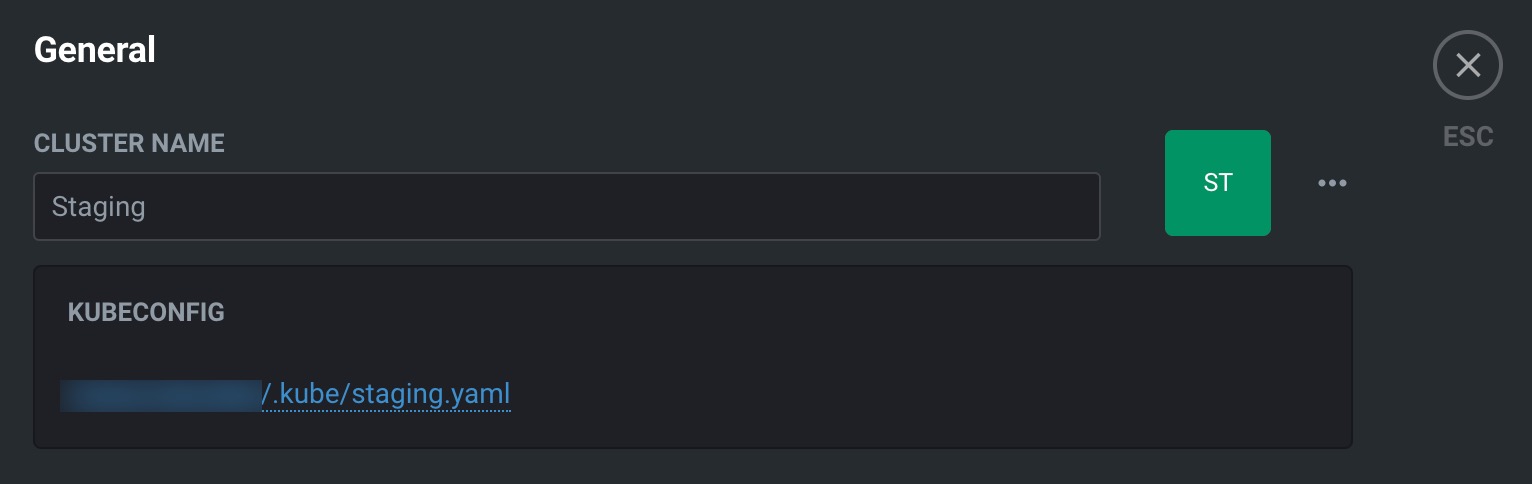
Rename your cluster
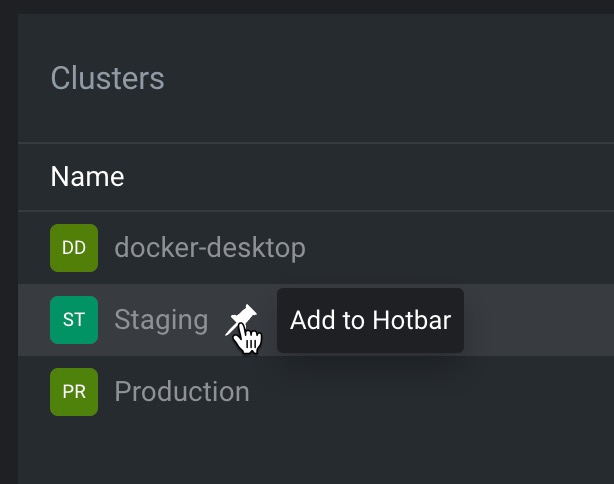
Add your cluster to the Hotbar
Prometheus Metrics
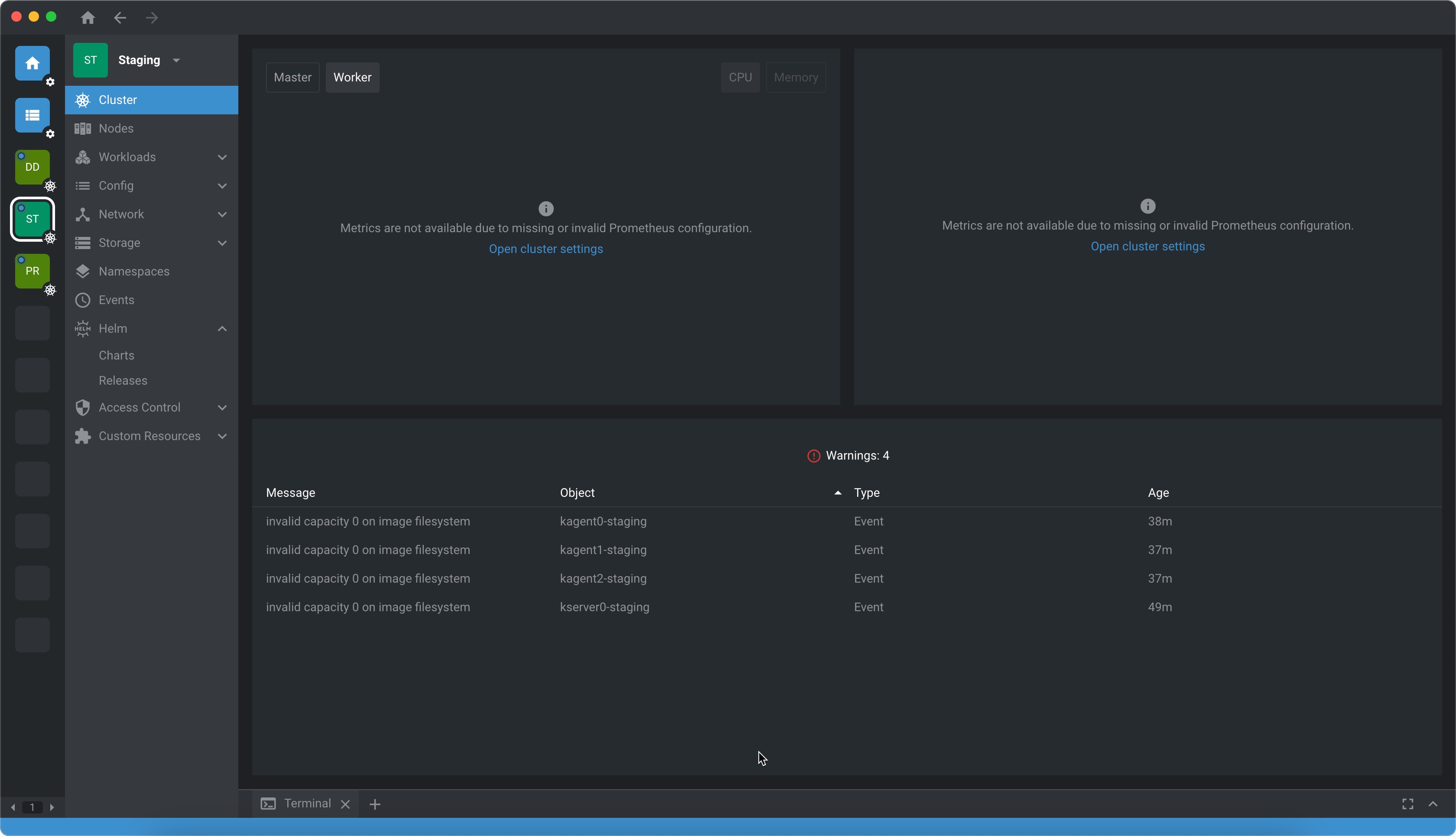
By default, there is nothing in the cluster to show metrics.
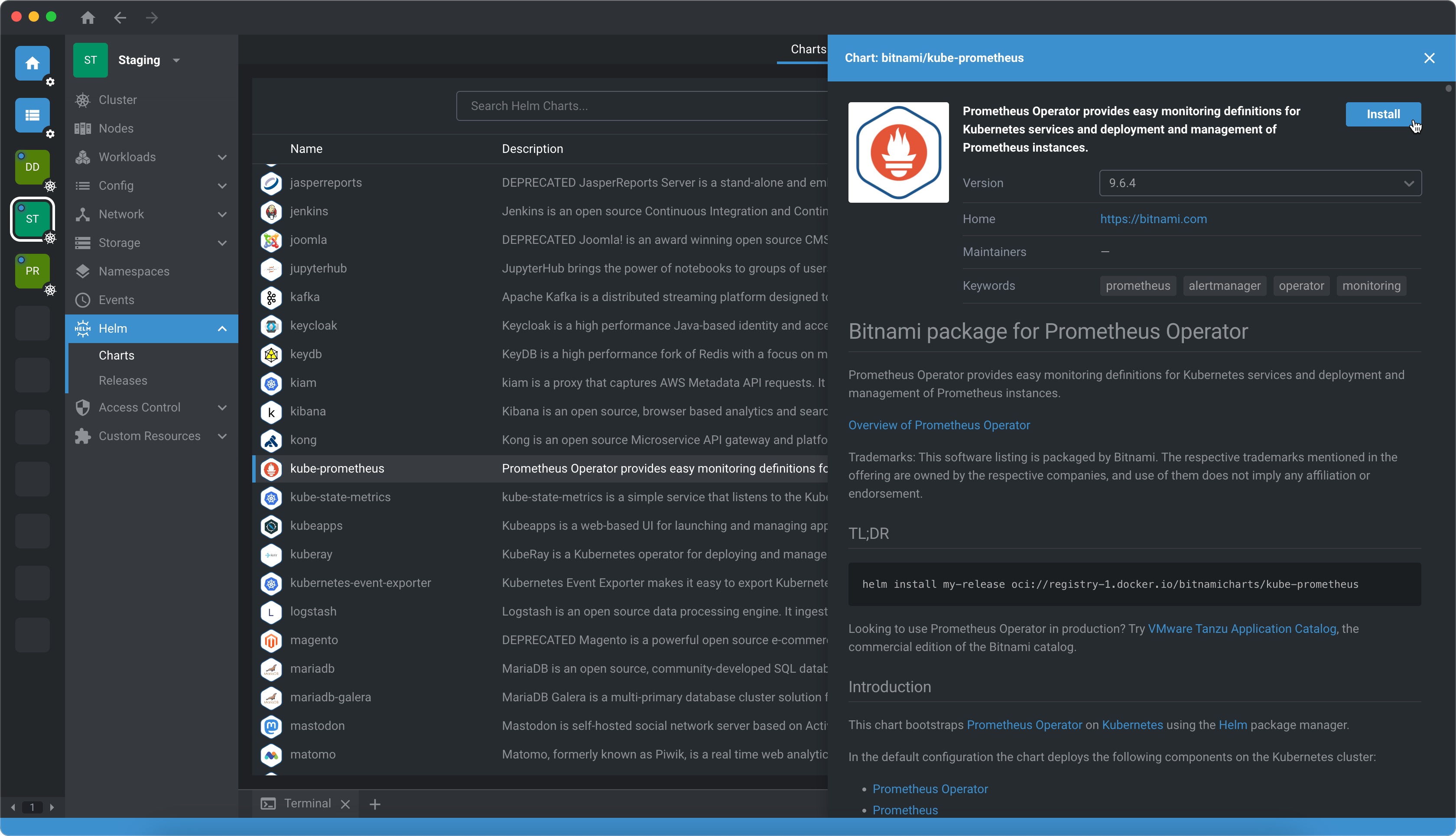
Go to Helm > Chart > Search for Prometheus and select Install
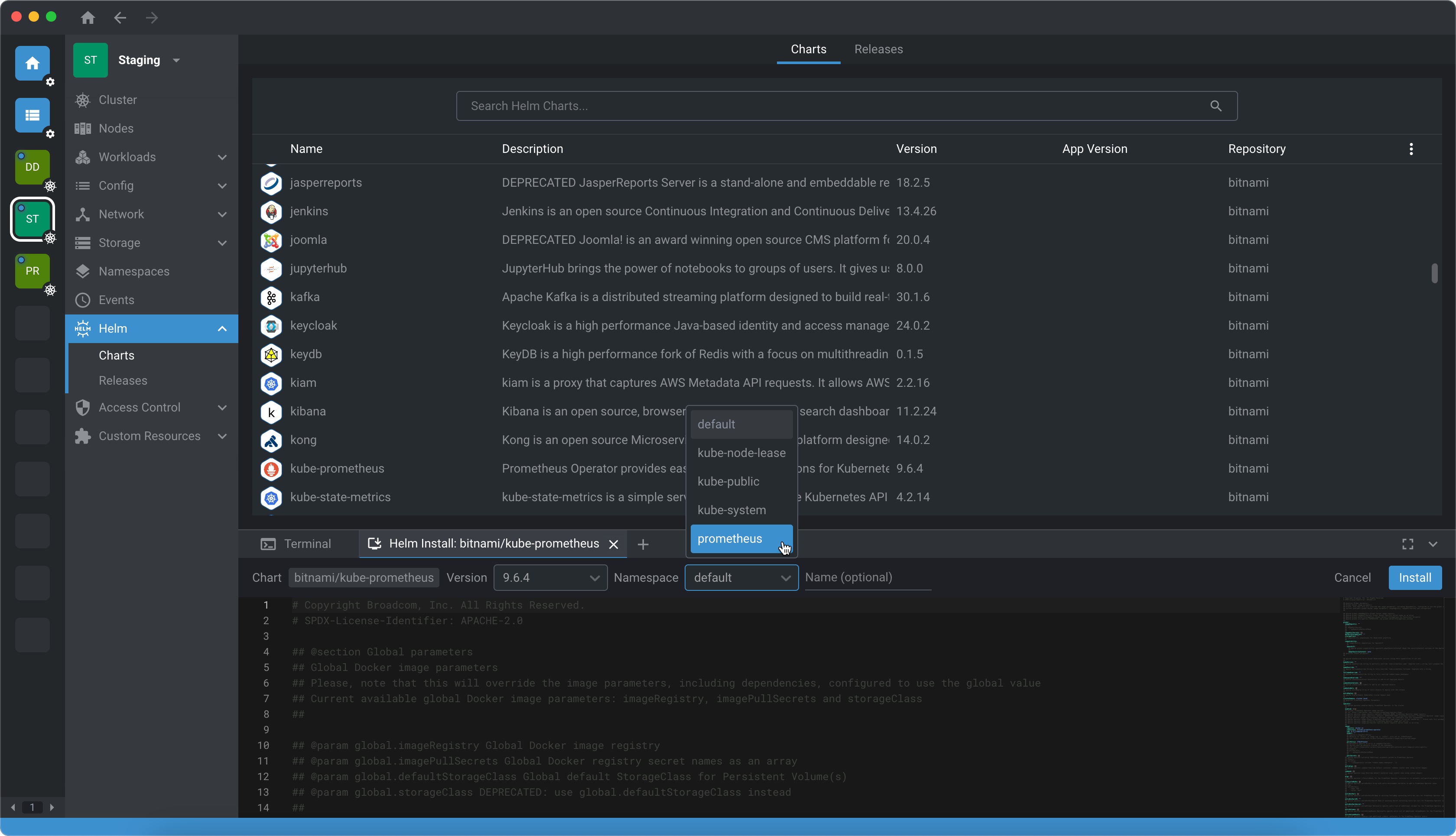
Before you install, change the namespace to Prometheus before selecting Install.
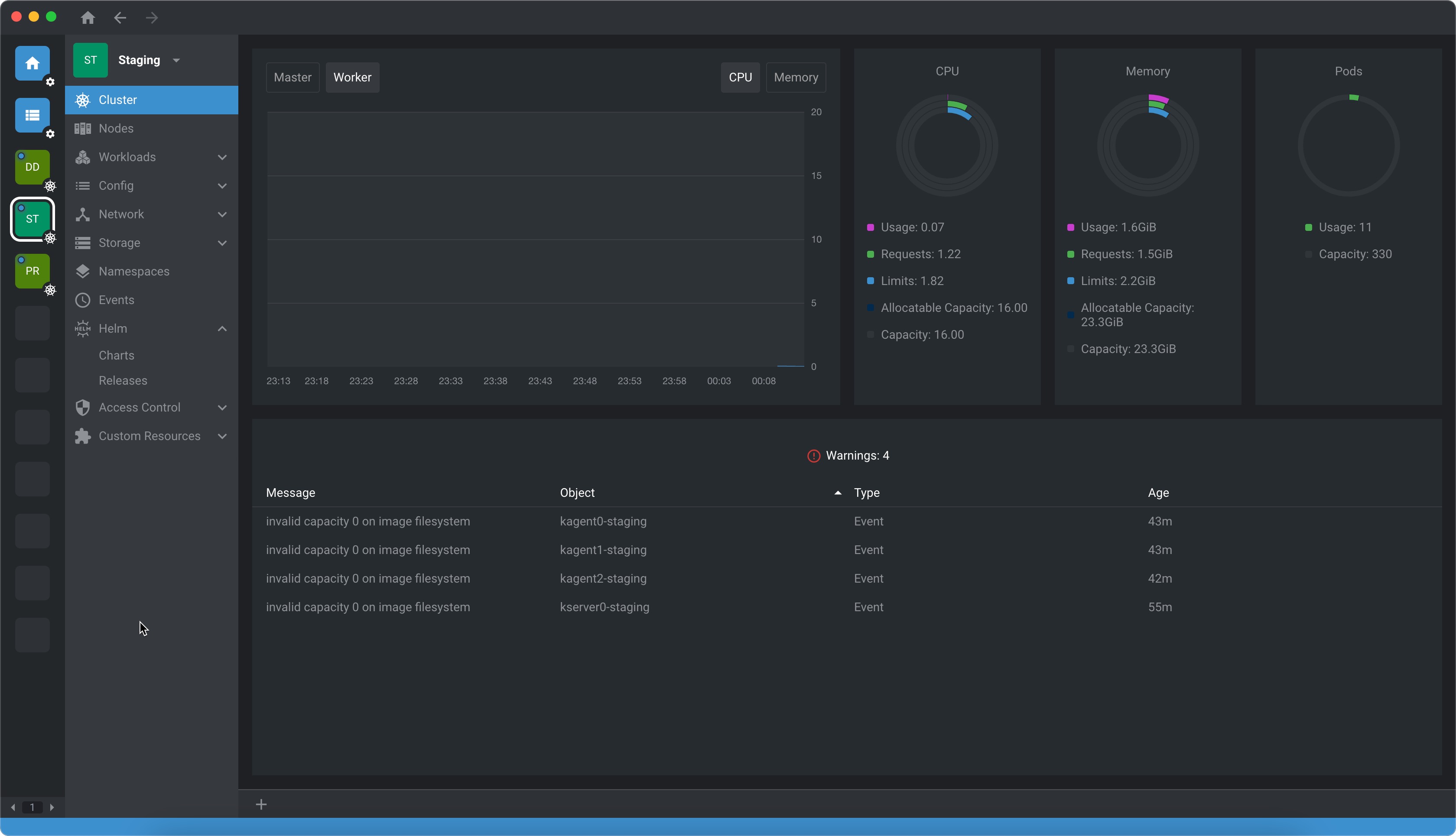
After some time, about 5 minutes, you should start to see metrics in Cluster.
Even though it's nice to see the metrics on OpenLens, it's also very useful to see metrics via Grafana. To do this, we must expose the prometheus service port. Go to Services and select Prometheus as the namespace. Search for the service that has the port setting as 9090/TCP.
Edit the service to use NodePort and set the nodePort to 30002.
spec:
  ports:
    - name: http
      protocol: TCP
      port: 9090
      targetPort: 9090
      nodePort: 30002
  selector:
    app.kubernetes.io/component: prometheus
    app.kubernetes.io/name: prometheus
    prometheus: kube-prometheus-1729829317-prometheus
  clusterIP: 10.43.109.78
  clusterIPs:
    - 10.43.109.78
  type: NodePort
  sessionAffinity: None
  externalTrafficPolicy: Cluster
  ipFamilies:
    - IPv4
  ipFamilyPolicy: SingleStack
  internalTrafficPolicy: Cluster