Kubernetes
Kubernetes is a containerization orchestrator. For practical purposes, this guide uses K3S, a lightweight Kubernetes distribution.
Kubernetes Server
K3S can be installed in multiple ways as described in the Installation Manual. This guide uses a standard K3S setup with Docker Hub as the container registry and ETCD for the internal database. To install K3S on the master (manager) node configured to allocate container resources, SSH into the server and run:
curl -sfL https://get.k3s.io | sh -
The K3S server will be installed. Retrieve the node token required for agent nodes by running:
cat /var/lib/rancher/k3s/server/node-token
Kubernetes Agents
Worker nodes are installed individually on their servers by running:
curl -sfL https://get.k3s.io | K3S_URL=https://(server ip address):6443 K3S_TOKEN=(node token) sh -
Kubectl
To configure Kubernetes remotely, install Docker Desktop, which includes kubectl. Enable Kubernetes to create a local development cluster.
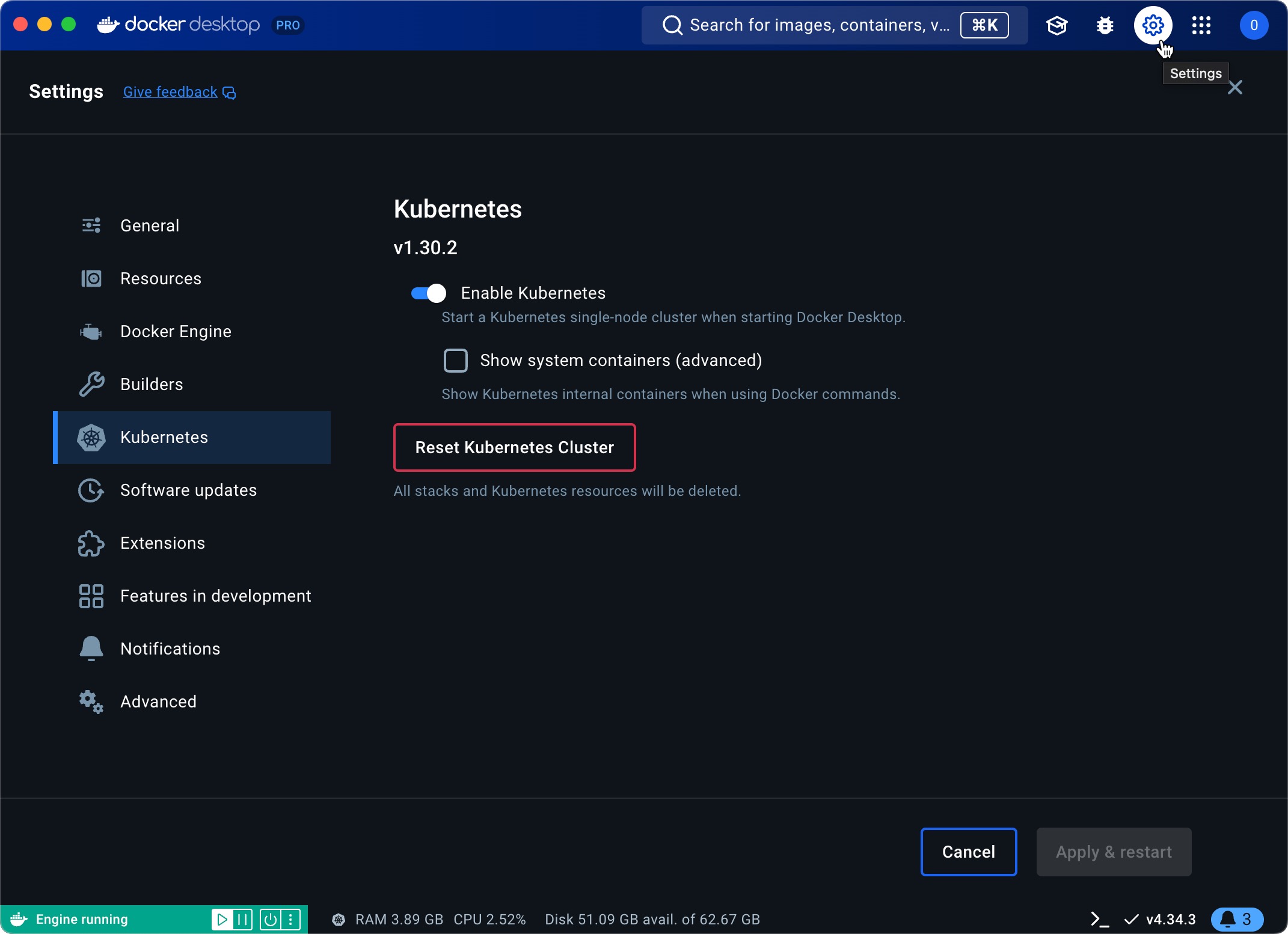
The kubectl configuration is stored in the home folder: ~/.kube/config
For remote machines, download the remote kubeconfig file locally. On the staging/production server, copy the file from /etc/rancher/k3s/k3s.yaml. SSH to the server and run:
sudo cp /etc/rancher/k3s/k3s.yaml .
This copies the file to the home folder. Modify its permissions by running:
sudo chmod 777 k3s.yaml
It's a good idea to rename the file to understand which server it came from so run:
mv k3s.yaml staging.yaml
Keep in mind this configuration file is configured for local so edit the file with the IP address directly:
nano staging.yaml
Replace 127.0.0.1 with the server address obtained from running 'ip address':
apiVersion: v1
clusters:
- cluster:
    certificate-authority-data:
    server: https://127.0.0.1:6443
Once done on your local computer, you can pull the file into ~/.kube/:
scp <user>@<ipaddress>:/etc/rancher/k3s/k3s.yaml ~/.kube/staging.yaml
Save these files for later, we will use them when setting up FreeLens.